In this article
Turn a proposed payment flow into a reviewable account-and-capability map.
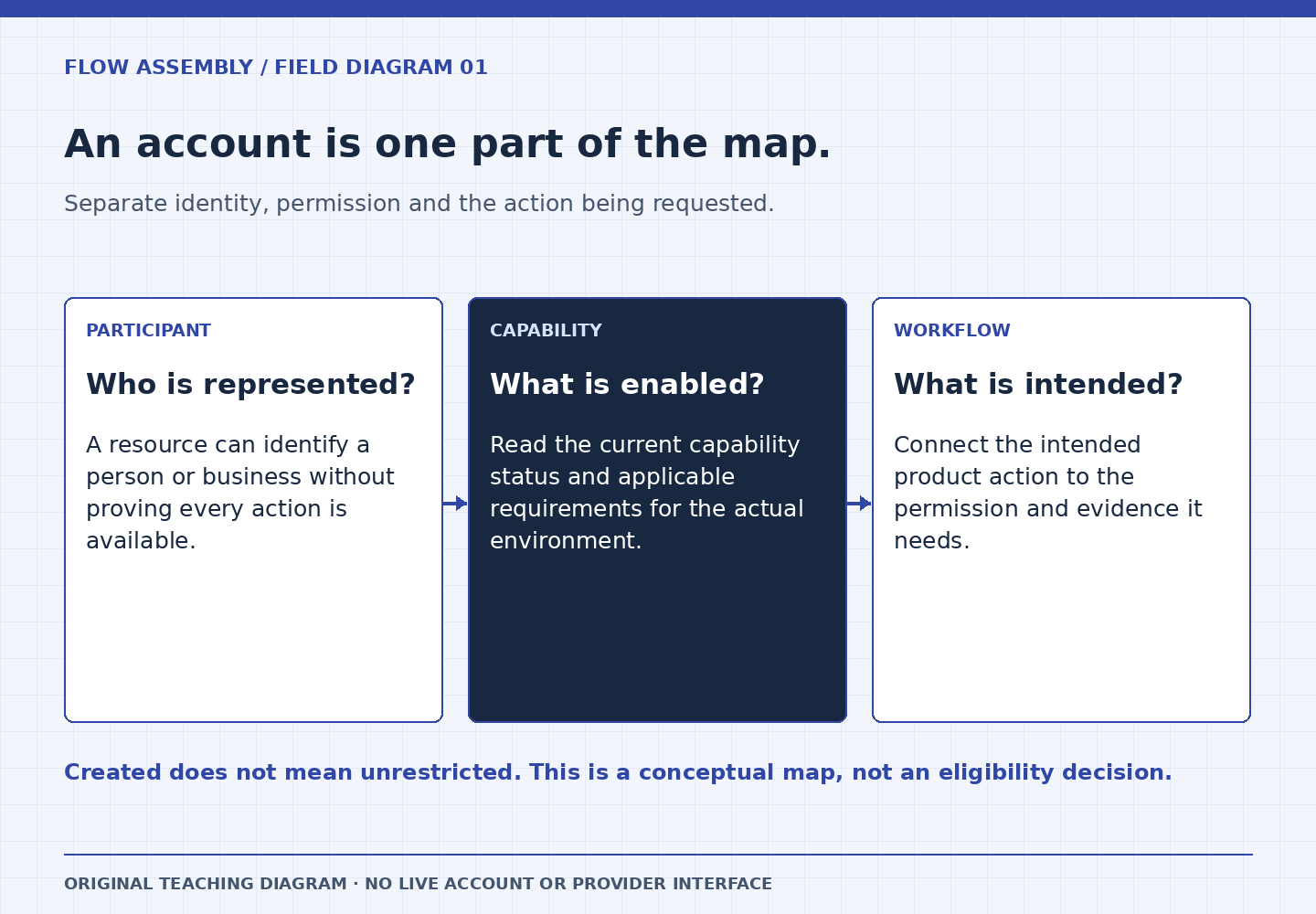
A payment diagram can look complete while hiding its most important question: which participant is permitted to do each action? Before designing a checkout button, make a role map that distinguishes your application’s users from the payment identities involved. This is a planning exercise. It does not create accounts or establish eligibility.
Start with identities and verbs
Moov’s glossary describes an account as an identity record for a person or business, rather than a bank account. Its capabilities documentation explains that requested activities require information and verification, so a request need not become active immediately. Keep those two ideas separate in your design.
Write a sentence for each business event: a customer pays a merchant, a merchant receives proceeds, or a platform pays a service provider. Underline the actor performing the action. Then name the participant whose funds are involved. A person who clicks a button is not necessarily the legal business represented by the payment account. Your map should make that difference visible to engineering, operations, and the people reviewing the business model.
Build a role record with evidence
For every participant, record its internal identifier, business role, corresponding provider identifier when one exists, intended activities, and the evidence required before those activities become available. Add a column for the source and time of the latest status observation. An empty provider identifier means work remains; it should not be filled with a convenient placeholder that resembles a real account.
Next, describe each permission as a narrow product behavior. “Can use payments” is too broad. “Can initiate the approved payout workflow after required checks pass” is easier to review. Keep application authorization separate from provider eligibility. Your staff roles determine who may request a payout inside your software; provider capabilities determine whether the associated account supports the activity. Both checks matter, and neither should silently substitute for the other.
Fictional worked example: three participants, two flows
Imagine Cedar Workshop, a fictional marketplace for instructors. A student buys a $90 class from an independent studio. Later, the studio wants to receive its proceeds. Cedar’s first diagram contains one box labeled “our account.” The review team replaces it with separate records for the platform, studio, and student, then draws the collection and payout workflows individually.
The exercise reveals a missing transition. A studio can finish entering its profile while its requested payment activity remains unavailable. Cedar therefore gives the studio an honest “setup under review” screen and keeps the payout control unavailable until the necessary conditions are confirmed. The $90 example is conceptual; no account was opened and no payment was attempted.
The team also adds a support view showing the internal studio ID, the associated payment identity, the requested activity, and the latest observed status. Support can now identify an onboarding issue without guessing that the student’s card is broken. This is the practical value of the map: it directs the next question to the correct participant.
Review ownership changes explicitly
A business changing its legal owner or a user joining a second business should trigger review of the mapping assumptions. Do not automatically move an old payment identity to a new organization because the same email address appears. Keep a history of how the application association was established and who approved changes. Preserve existing transaction references when a display name changes.
Likewise, design account restrictions as observable states rather than unexpected exceptions. A previously available activity might need attention later. The user experience should explain what can still be done, what needs review, and where the authorized person should go next. It should avoid suggesting that repeatedly submitting the same information will accelerate a decision.
Capability-map checklist
- Identify every person or business participating in each flow.
- Separate application roles, payment identities, and linked funding sources.
- Name the specific activity and its required evidence.
- Record the latest verified status and observation time.
- Define unavailable, pending-review, and correction-needed screens.
- Assign an owner for ambiguous entity mappings.
What this map cannot decide
A design document cannot grant capabilities, settle ownership questions, or replace Moov’s requirements for a particular integration. Use current official documentation and your approved business arrangement for those decisions. The deliverable is a clearer set of implementation questions, with fewer assumptions hidden inside a generic account box.